Your Website Isn’t Broken. But It Might Be Leaking Leads
Most websites aren’t broken, but they’re not performing the way they should. Hidden technical issues, small structural gaps, and overlooked SEO details can quietly reduce your visibility, traffic, and conversions over time.
Search engines today don’t just rank websites, they evaluate trust, clarity, and usability. If your site has:
- Broken paths
- Slow load times
- Missing structure
…it sends signals that your business may not be authoritative or reliable.
The good news? These problems are often simple to fix, once you know what to look for. This guide breaks down the most common issues, why they matter, and how easily they can be fixed.
Here Are the Hidden Website Issues Impacting Your Performance:
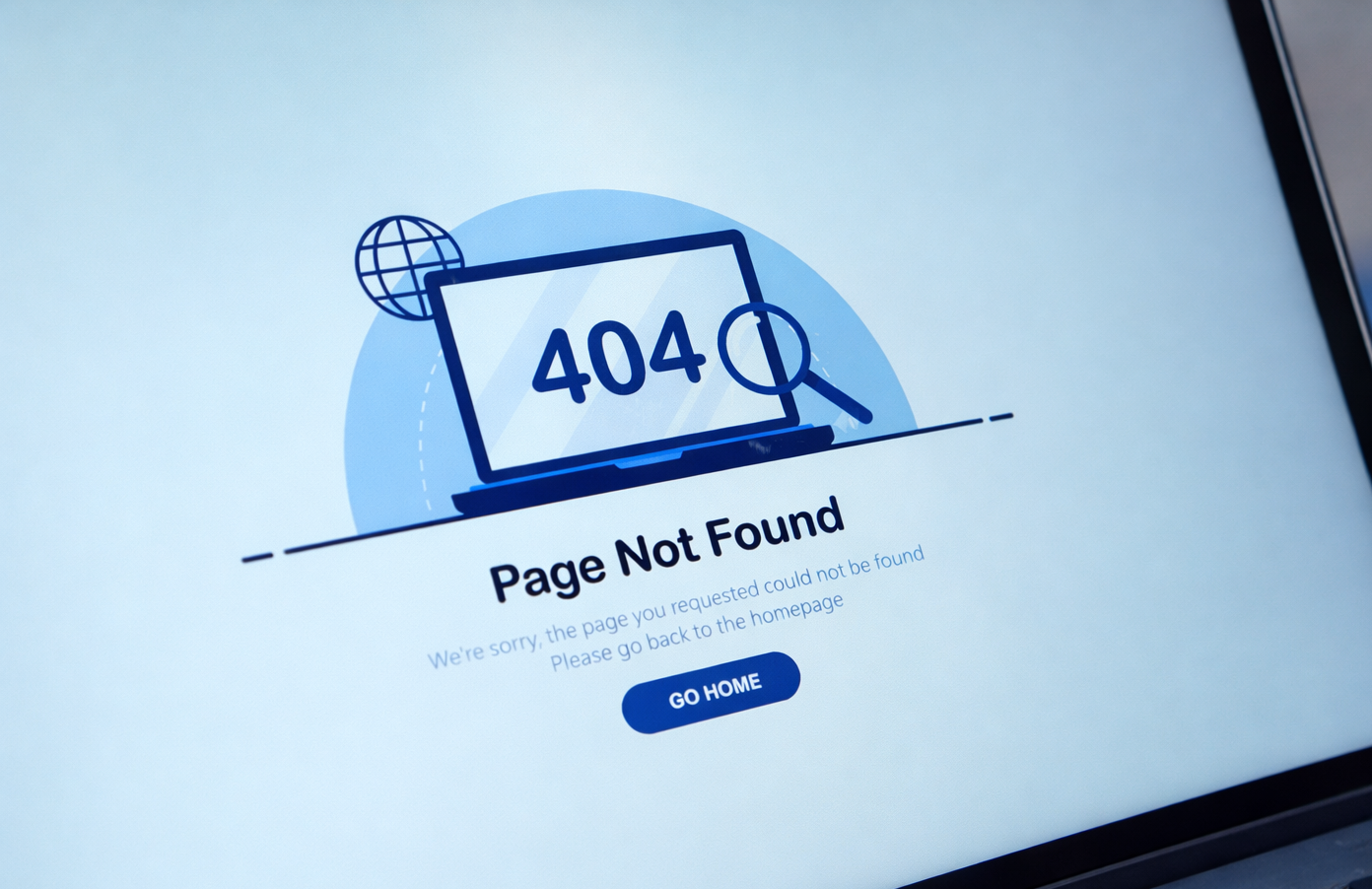
1. Broken Pages (4xx Errors)
When users land on a page that doesn’t exist, they leave immediately. This usually happens when a page is deleted, moved, or the URL is entered incorrectly; but the old link still exists somewhere on your site or online.
Impact: Lost trust, lost traffic, wasted SEO value
Fix: Set up 301 redirects and update broken links
2. Server Errors (5xx Issues)
If your site occasionally fails to load, Google notices. These errors mean your server couldn’t complete a request, so instead of seeing your website, users (and search engines) see a failure message.
Impact: De-indexing risk, poor user experience
Fix: Audit hosting, resolve plugin conflicts
3. Slow Page Speed
Speed directly affects both rankings and conversions. If your website takes too long to load, users often leave before they even see your content; especially on mobile devices.
Impact: Higher bounce rates, lower conversions
Fix: Compress images, enable caching, optimize scripts
4. Missing or Duplicate Meta Tags
Search engines rely on titles and descriptions to understand your pages. If these are missing or repeated across pages, Google struggles to differentiate your content and may rank it lower.
Impact: Lower visibility and click-through rates
Fix: Write unique, keyword-aligned meta tags
5. Broken Internal Links
Your website should guide users, not frustrate them. When a link on your site points to a page that no longer exists, it creates a “dead end” in the user journey.
Impact: Disrupted user journey, weakened SEO structure
Fix: Run a crawl and repair broken links
Not sure what’s hurting your rankings or conversions?
MethodFactory helps businesses uncover the hidden technical, SEO, and UX issues quietly costing them leads.
6. Poor Mobile Experience
Your site is judged primarily on mobile performance. If your website isn’t easy to use on a phone (example: text too small, buttons too close, layout broken) users will leave quickly.
Impact: Lost traffic, lower rankings
Fix: Ensure responsive, mobile-first design
7. Missing Image Alt Text
Images without context are invisible to search engines. Alt text helps describe what an image shows, allowing search engines (and screen readers) to understand it.
Impact: Missed SEO opportunities and accessibility issues
Fix: Add descriptive alt text to all images
8. Thin or Low-Value Content
If your content doesn’t answer real questions, it won’t rank, or convert. Pages with little or generic content don’t provide enough value for users or search engines to trust them.
Impact: Weak authority signals
Fix: Expand content with helpful, structured information
9. No Structured Data (Schema Markup)
Search engines need help understanding your content. Schema is a type of code that tells Google exactly what your content means like FAQs, services, or reviews.
Impact: Missed rich results (FAQs, reviews, etc.)
Fix: Implement schema for key pages
10. Poor URL Structure
Confusing URLs reduce trust and clarity. If your URLs are filled with random numbers or symbols, they don’t communicate what the page is about to users or search engines.
Impact: Lower rankings and usability
Fix: Use clean, descriptive URLs
11. Orphan Pages (No Internal Links)
Pages that aren’t connected are often ignored. If no other page links to them, search engines may struggle to find or prioritize them.
Impact: Poor indexing and visibility
Fix: Link them strategically within your site
12. No Clear Call-To-Action (CTA)
Traffic means nothing if users don’t take action. If visitors don’t know what step to take next, they’ll leave without converting.
Impact: Lost conversions
Fix: Add clear, compelling CTAs on every page
13. Indexing Issues
If Google can’t see your pages, neither can your customers. This can happen if pages are accidentally blocked, set to “noindex,” or never submitted to Google.
Impact: Invisible website pages
Fix: Check Search Console and submit your sitemap
Conclusion
At the end of the day, your website doesn’t need a complete overhaul to perform better, it needs the right issues fixed in the right places. These “silent” problems often go unnoticed, but they can have a significant impact on your visibility, user experience, and ability to generate consistent leads.
The difference between a website that simply exists and one that drives real growth comes down to how well it’s optimized beneath the surface. When your site is structured clearly, loads quickly, and guides users effectively, it becomes more than just a digital presence, it becomes a powerful tool for your business.
If you’re not sure where your website stands, that’s where we come in. MethodFactory helps uncover what’s holding your site back and turns it into a system built for visibility, trust, and conversion.
Frequently Asked Questions
-
What are the most common website issues that hurt SEO?
The most common issues include broken pages (404 errors), slow page speed, missing meta tags, poor mobile optimization, and lack of structured data. These problems make it harder for search engines to understand and rank your website. -
How do broken links affect my website?
Broken links create poor user experiences and disrupt your site’s structure. When users or search engines hit a dead end, it reduces trust and prevents valuable SEO authority from flowing through your site. -
Can small website issues really impact my leads?
Yes. Even minor issues like slow loading speeds or unclear calls-to-action can cause users to leave before converting. Over time, these small problems add up and significantly reduce lead generation. -
How can I check if my website has these issues?
You can use tools like Google Search Console, Screaming Frog, or SEO platforms like Ahrefs to identify technical issues. However, interpreting and prioritizing these issues correctly is key to improving performance. -
What is the easiest website issue to fix first?
Broken links, missing meta tags, and large image files are often the quickest wins. Fixing these can immediately improve both user experience and search visibility. -
Do I need a professional to fix these issues?
Some fixes are simple, but others (like structured data, indexing issues, and site architecture) require a strategic approach. Working with a team that understands both SEO and conversion strategy ensures long-term results.